
In today’s digital taxation ecosystem, GST registration is one of the first and most critical steps for any business. Whether you are a startup, small business owner, or expanding enterprise, proper GST registration ensures legal compliance and smooth financial operations.
However, many applicants often struggle during the registration process, especially when they are unable to complete it in one session. This is where the concept of TRN (Temporary Reference Number) becomes extremely important.
TRN acts as a bridge between starting and completing your GST registration. It allows businesses to pause, review, and continue the process without losing their progress. Understanding how TRN works can significantly improve your registration experience and reduce the chances of errors.
What Is TRN Number in GST?
A TRN (Temporary Reference Number) is a system-generated unique number that is issued when a user initiates the GST registration process but does not complete it immediately.
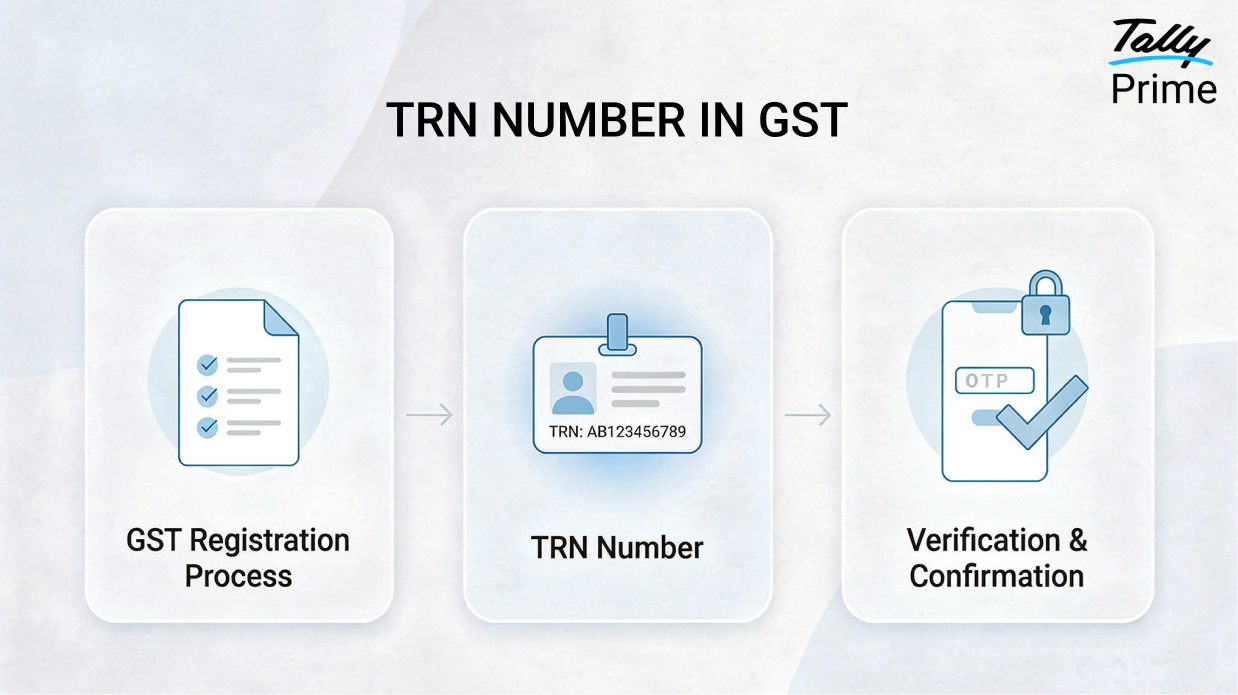
When you begin registration on the GST Portal and submit your basic details such as PAN, mobile number, and email ID, the system verifies your identity through OTP authentication. Once this verification is completed, a TRN is generated.
This number allows you to securely save your application and return later to complete it, ensuring that your previously entered data remains intact.
Meaning of TRN in GST
TRN stands for Temporary Reference Number, which reflects its purpose clearly. It is a temporary identifier that gives you access to your incomplete GST registration application.
Unlike permanent identifiers such as GSTIN or ARN, TRN is only valid during the initial stage of registration. It provides flexibility to applicants who need additional time to gather documents, verify details, or complete the process carefully.
Typically, the TRN remains valid for 15 days, within which the applicant must complete the registration process.
Why TRN Is Important for Businesses
GST registration is not always a quick or simple task. It involves multiple steps such as entering business information, adding promoter details, providing bank information, and uploading supporting documents.
For many businesses, especially those managing multiple responsibilities, completing all these steps in one sitting is not practical. Without TRN, users would be forced to restart the entire process every time they exit the portal.
TRN solves this problem by allowing users to save their progress and continue later. It ensures that businesses can complete their registration with accuracy and without unnecessary pressure.
Key Features of TRN Number
The TRN system is designed to make GST registration user-friendly and efficient. Some of its key features include:
- It is generated after initial OTP verification
- It is linked to PAN, email ID, and mobile number
- It allows saving and resuming applications
- It provides secure login access through OTP
- It remains valid for a limited period of 15 days
- It enables editing before final submission
These features make TRN a highly practical tool for businesses during registration.
How TRN Simplifies the GST Registration Process
One of the biggest advantages of TRN is that it transforms GST registration into a flexible process rather than a one-time task.
Instead of rushing through the form, businesses can take a step-by-step approach. They can fill in details carefully, verify information, and upload documents at their convenience. This reduces the chances of mistakes and improves the overall accuracy of the application.
Additionally, TRN ensures that all data entered is securely stored, eliminating the risk of losing information due to session timeouts or interruptions.
Generating TRN – The Starting Point of Registration
The process of generating TRN begins when you initiate GST registration through the GST Portal. After selecting the “New Registration” option, you are required to enter your PAN, mobile number, and email ID.
Once these details are submitted, the system performs OTP-based verification. This step ensures that the contact information provided is accurate and accessible.
After successful verification, the portal generates your TRN and sends it to your registered mobile number and email address. This TRN becomes your login credential for accessing the saved application.
Recovering TRN – Ensuring Continuity
It is quite common for users to forget or misplace their TRN during the registration process. To address this, the GST system includes a simple recovery mechanism.
By revisiting the GST Portal and selecting the TRN option, users can use the “Forgot TRN” feature. After verifying their identity through OTP, the TRN is reissued.
This ensures that the registration process remains uninterrupted and users do not have to restart from scratch.
Using TRN to Complete GST Registration
Once you have your TRN, you can log back into the GST portal and access your saved application. This allows you to continue filling out the remaining sections of the form, including business details, bank information, and document uploads.
The TRN-based login ensures that all previously entered data is preserved. You can review, edit, and complete the application at your own pace.
After completing all required sections, the application can be submitted successfully. Upon submission, an Application Reference Number (ARN) is generated, which is used to track the status of your registration.
TRN vs ARN – Understanding the Difference
Many applicants confuse TRN with ARN, but both serve different purposes.
TRN is used during the initial stage to save and resume the application, while ARN is generated after submission and is used for tracking the application status.
Understanding this difference helps avoid confusion and ensures a smoother registration experience.
Common Mistakes to Avoid While Using TRN
While TRN simplifies the process, certain mistakes can still cause delays:
- Ignoring the 15-day validity period
- Entering incorrect PAN or contact details
- Not saving TRN securely
- Uploading incomplete or incorrect documents
- Rushing through the application without verification
Avoiding these mistakes ensures a faster and smoother GST registration process.
Benefits of TRN for Businesses
TRN offers multiple advantages for businesses:
- Saves time by avoiding repeated data entry
- Provides flexibility to complete registration at your convenience
- Reduces errors by allowing review and editing
- Ensures data security through OTP verification
- Improves overall efficiency of GST registration
How TRN Supports Tally Users
For businesses using accounting software like TallyPrime, accurate GST registration is extremely important.
TRN ensures that the foundation of GST compliance is strong. Once registration is completed correctly, businesses can seamlessly manage accounting, GST returns, and compliance within Tally.
Working with a professional Tally partner can further simplify this process and ensure error-free registration.
Conclusion
The TRN number is a small yet powerful feature in the GST registration system. It brings flexibility, accuracy, and convenience to a process that would otherwise be time-consuming and rigid.
By understanding how TRN works and using it effectively, businesses can complete their GST registration without stress or errors. It ensures that the journey from registration to compliance begins on the right note.
2. How long is TRN valid?
A TRN is generally valid for 15 days from the date it is generated. Applicants should complete their registration process within this validity period.
3. Can I edit details using TRN?
Yes, you can use the TRN to log in again and edit application details before the final submission of your GST registration form.
4. What happens if TRN expires?
If the TRN expires before submission, you may need to start the GST registration process again and generate a new Temporary Reference Number.
5. Is TRN required after submission?
No, once the application is submitted successfully, ARN (Application Reference Number) is used to track the status of your GST registration.